Free Before and After Slider for Contractor Websites
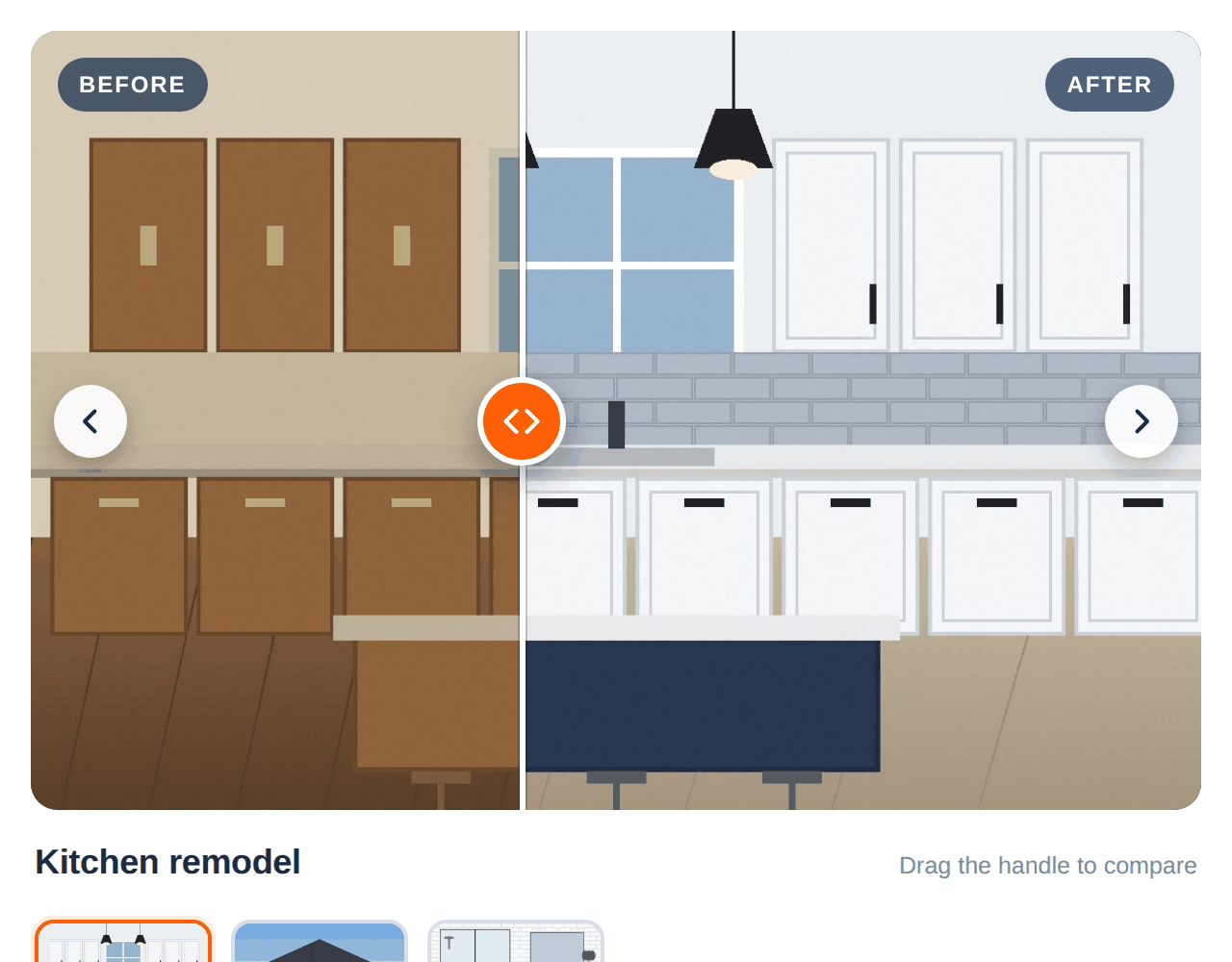
This is a free before after slider for contractor website use: a before and after slider widget that takes your project photo pairs and lets visitors drag to see the transformation, added to any page with three lines of code. Nothing sells a remodel like the reveal. No plugin, no cost.
Drag the handle.
The same slider we build into custom contractor sites, packaged so you can drop it onto yours. Works with a mouse, a finger or the keyboard, and looks right on phones.
- Your photos, hosted by us — upload them once; we resize them for fast loading and serve them from our hosting, so nothing slows your site down.
- Up to six projects — one slider with thumbnails and arrows to switch between jobs, or show a single project per page.
- Works everywhere — drag with a mouse, swipe on a phone, or use the arrow keys. Screen-reader friendly.
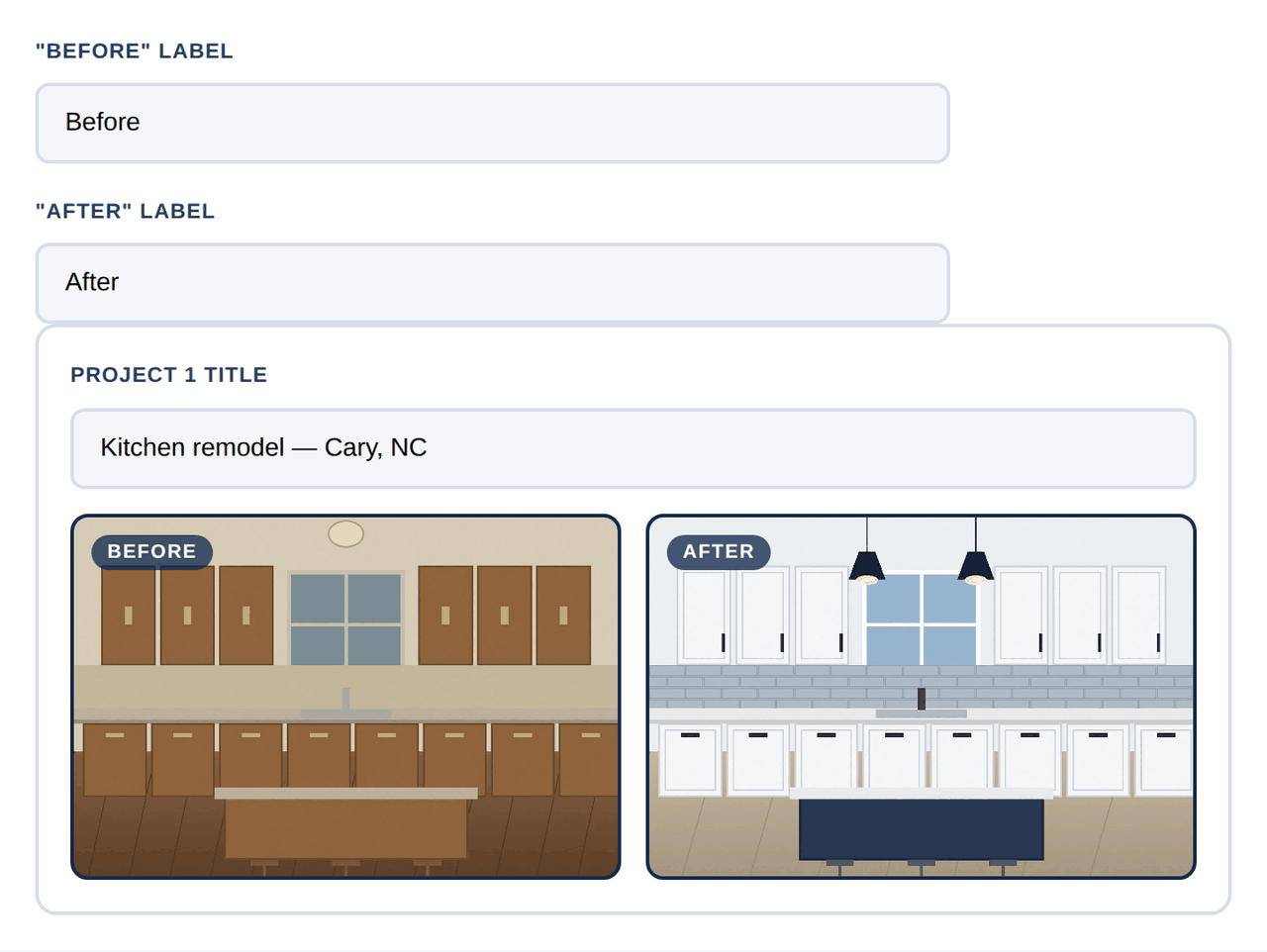
- Your labels and colors — rename "Before" and "After" (e.g. "Storm damage" / "Restored"), pick an accent color, add a button to your quote page.
- Sealed off from your theme — the slider renders in its own container, so your site's CSS can't break it and it can't break your site.
Three steps. About three minutes.
1. Upload your photos
A before and an after for each project, straight from your phone or computer. Give each project a short title. We shrink the photos to web size before they even leave your browser, so uploads are quick.
2. Paste the code
Three lines into any page — WordPress, Squarespace, Wix, Webflow, plain HTML. The slider appears where you paste it, sized to fit the space.
3. Visitors drag to compare
They see the finished job first, then drag to reveal what you started with. Add more projects any time by running the generator again with the same email.
Why it's free: the embed code carries a one-line credit linking back to The Digital Keystone. That link is the whole deal. It stays, and in return you get the tool, the hosting and the updates for nothing. Want it with no credit line, or built around your exact services? That's a custom job, and we're happy to quote it.
Build your slider.
Upload your photos, add a title for each project, and your embed code is ready. Want to change the photos later? Run this again with the same email — your existing code shows the new set automatically.
Paste this where you want the slider to appear.
Where to paste it
- WordPress: add a Custom HTML block to the page and paste the code into it.
- Squarespace: add a Code block (not Embed) and paste; make sure "Display Source" is off.
- Wix: Add → Embed Code → Embed HTML, paste, then resize the box to fit.
- Webflow: drop in an Embed element and paste.
- Any other site: paste it into the page's HTML where the slider should show.
Keep all three lines together, including the credit line. Changing your settings later? Run this generator again with the same email address — the code you already pasted picks up the new numbers automatically.
Want a different project on each page? Add data-dk-project="2" (the project's number) to the first line of the code to show only that project.
Questions contractors ask.
Yes. No charge, no trial, no upsell inside the widget. The only condition is the one-line credit that links back to The Digital Keystone — that link is how we get paid, in the form of exposure. If it is removed, the slider re-adds it.
On our hosting, resized to web size (1600px on the longest side) with camera metadata stripped. They are only ever shown inside your slider. Run the generator again with the same email to replace them, or email us to have them removed.
Yes. Add data-dk-project="2" (or whichever number) to the first line of your embed code and only that project shows on that page. Without it, the slider shows every project with thumbnails to switch between them.
Not exactly, but the closer the better. The slider sizes itself from the after photo and fits the before photo to it, so pairs shot from the same spot at the same orientation look best. Portrait and landscape both work.
Any time. Come back to this page and run the generator again with the same email address. Your existing embed code keeps working and picks up the new settings on the next page load — nothing to re-paste.
No. It is one small script and two photos per project, loaded lazily and served from our hosting, not yours. It renders in its own container so it cannot conflict with your theme.
Want a full project gallery, or a site built around your best work?
We build custom galleries, before/after showcases and lead-capture tools into contractor websites every week — designed around the jobs you want more of.